
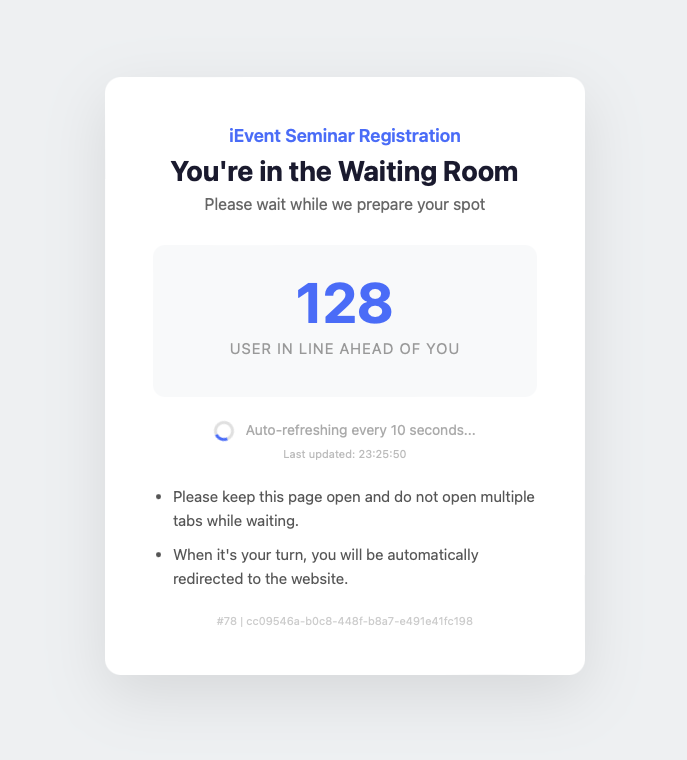
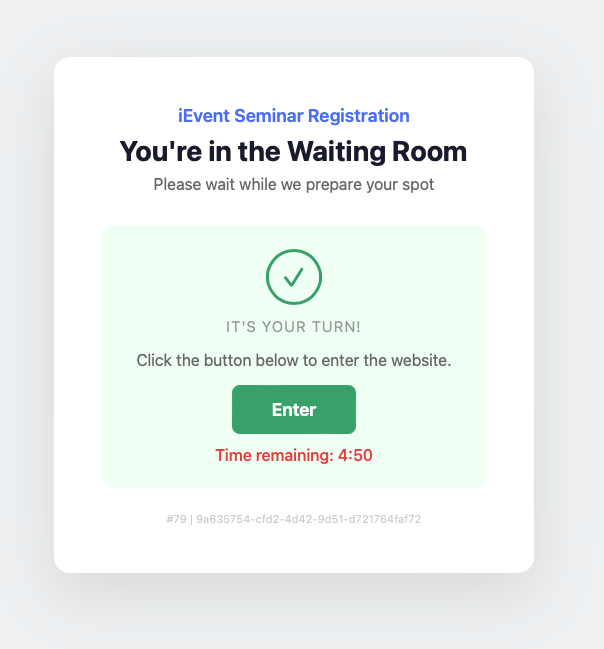
Prevent system crashes — During high-demand registrations, excess users are placed in a virtual waiting room to maintain site stability.
![[Waiting Room] Dashboard – Ticket demand status at a glance](https://d14x8obalstti8.cloudfront.net/upload/ievent_www/files/ProductFeature/WaitingRoom/WaitingRoom-dashboard-en.png?2026-04-07-015027)
| 1. Is there an extra charge for using the waiting room? No. The waiting room is disabled by default. You can enable it in the backend. The default limit for Max Concurrent Users is 300. For support with more concurrent users, please contact iEvent technical staff. |
| 2. What settings are available for the waiting room?
|
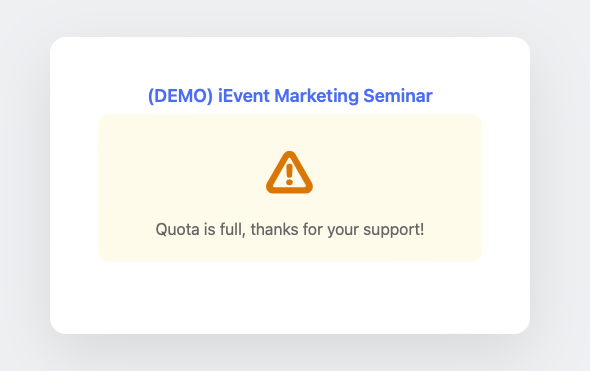
| 3. Can the queue automatically close when the event is full? Yes. If an event has limited capacity and many users are waiting, the system can immediately notify waiting users when the event is full, saving them from unnecessary waiting. |
| 4. Can the waiting room page “crash” under heavy load? No. The waiting room is built on Amazon Web Services’ serverless architecture and can handle hundreds of thousands of requests simultaneously. |