


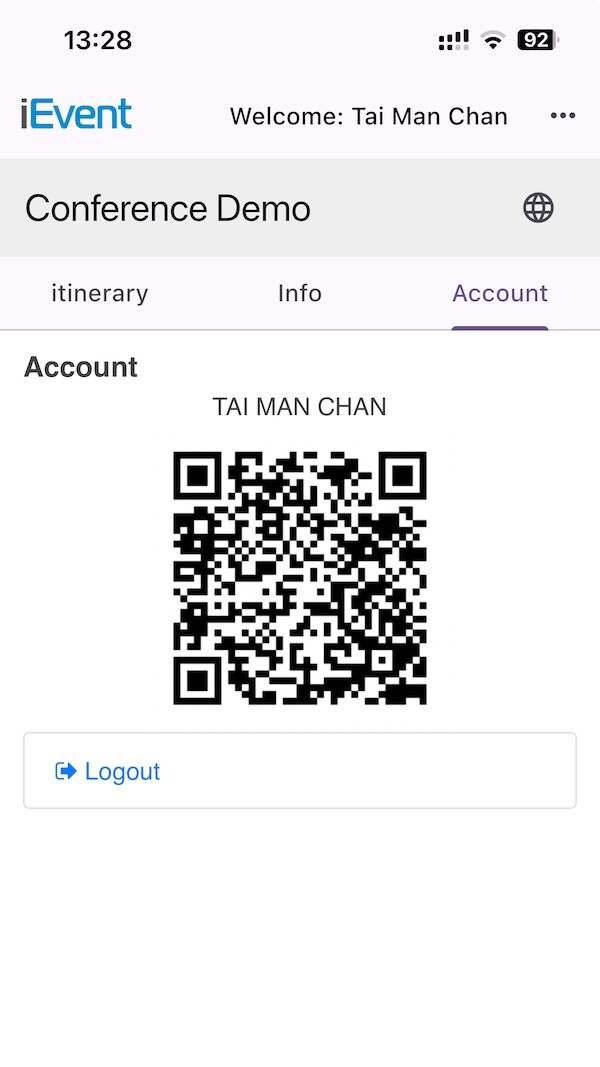
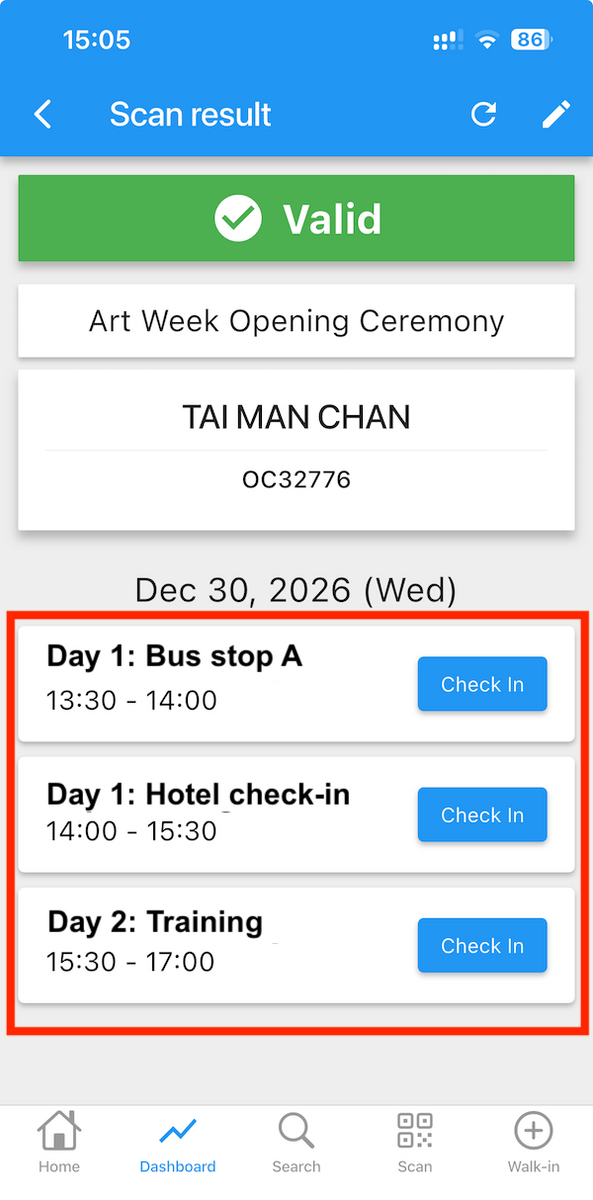
| 1. Can I use the iEvent eTrip App without collecting registrations through iEvent? I have attendee lists from other sources. Yes. Using the Excel template provided by iEvent, you can enter employee information (e.g., using employee ID as the login name) and upload it to iEvent. The system will automatically create accounts and generate a QR code for each attendee. |
| 2. Does the iEvent eTrip App support both iOS and Android devices? Yes. |
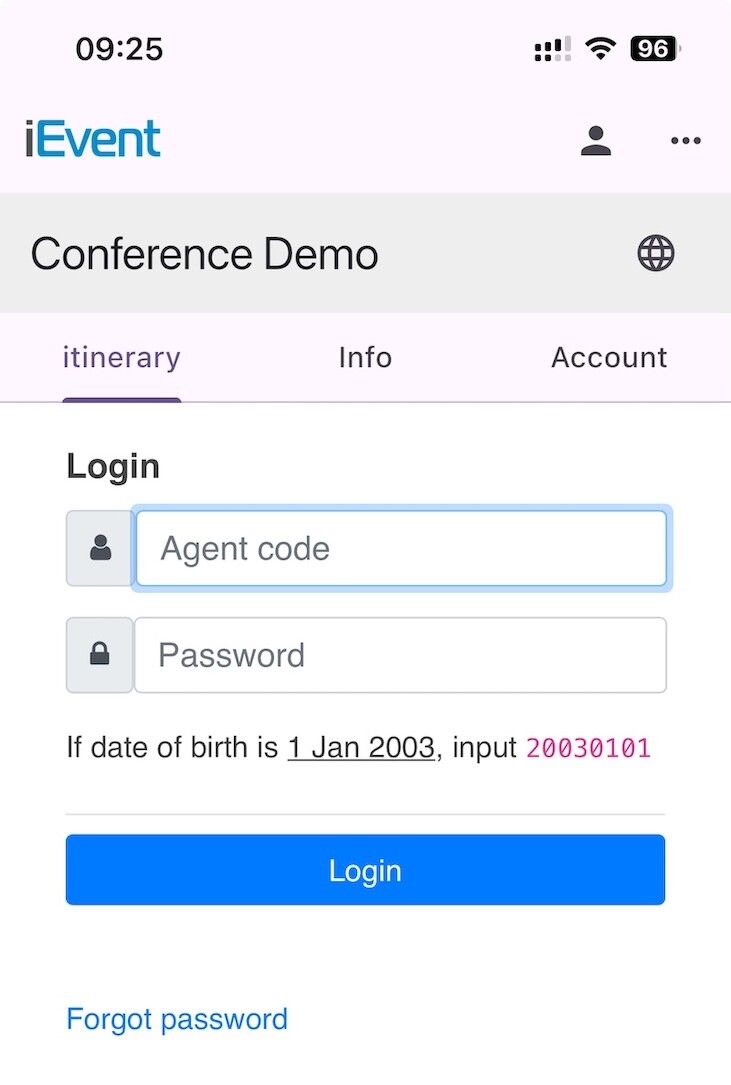
| 3. Can administrators create, deactivate, or delete accounts at any time? Yes. Administrators can manage accounts through the backend, including adding, deactivating, resetting passwords, and deleting accounts. |
| 4. Is account data securely stored? iEvent uses Amazon Web Services (AWS) with high-standard security measures:
|
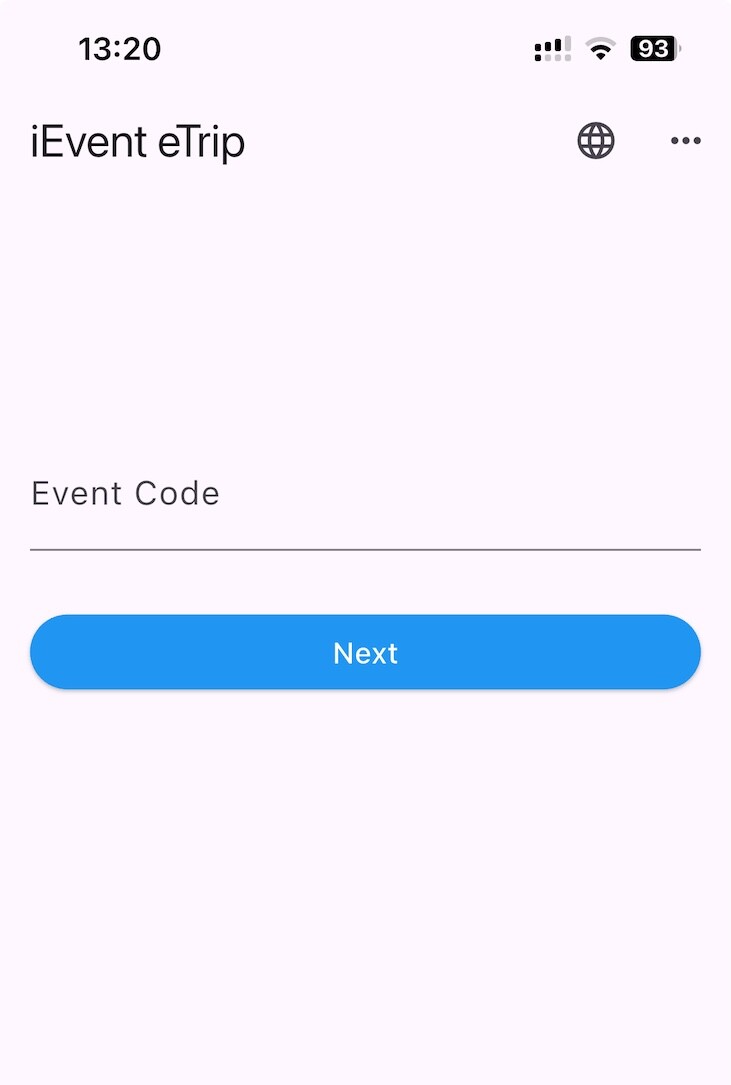
| 5. How does the eTrip App distinguish between different clients’ events? iEvent assigns each client a unique “Event Code”. When attendees open the app and enter the code, the system automatically identifies the corresponding database. Each client has a separate database, which is more secure compared to shared database designs. |
| 6. Does the eTrip App require an internet connection? Yes. However, the app includes caching functionality. Once attendees access the data, it is stored on their device so that the app can display information offline if there is no network connection. |
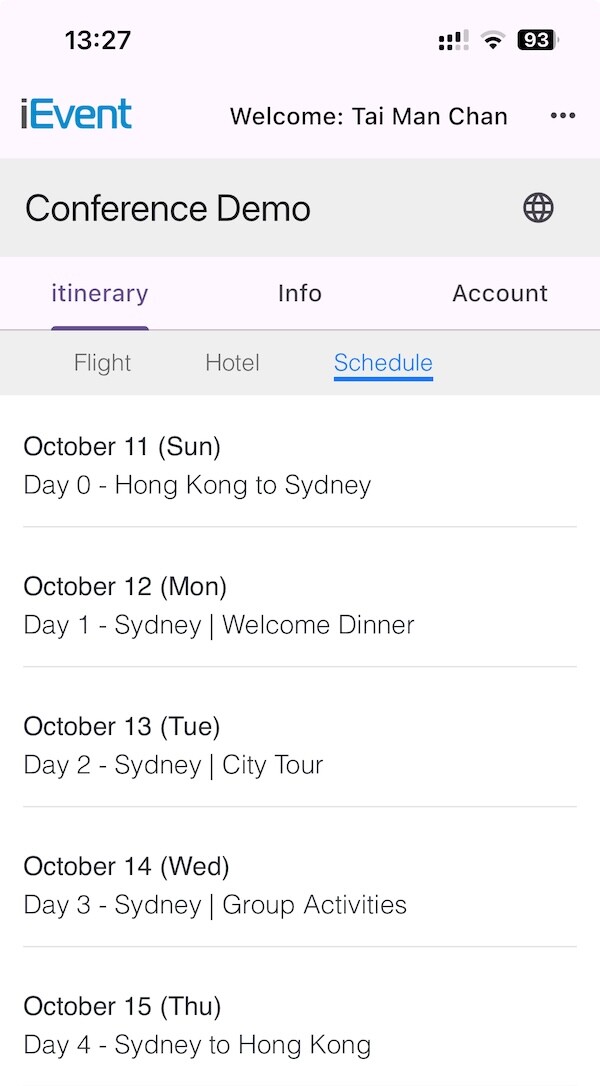
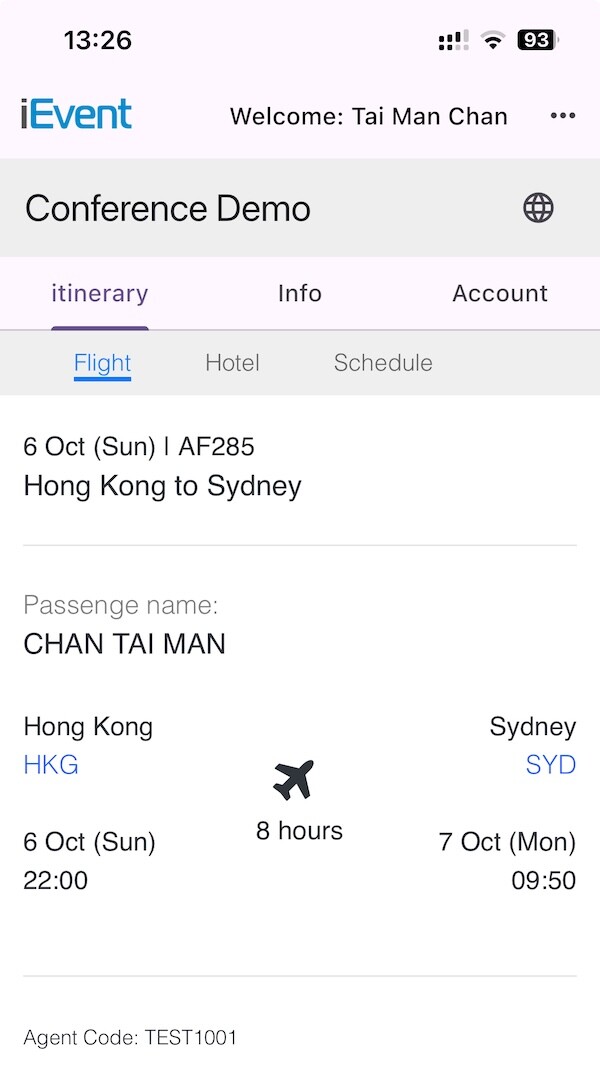
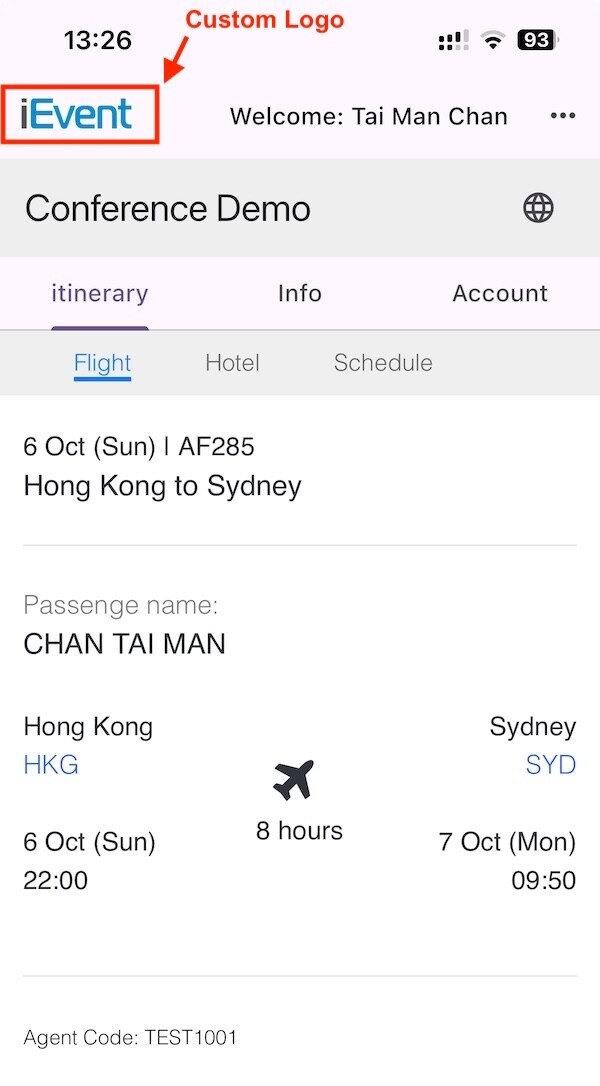
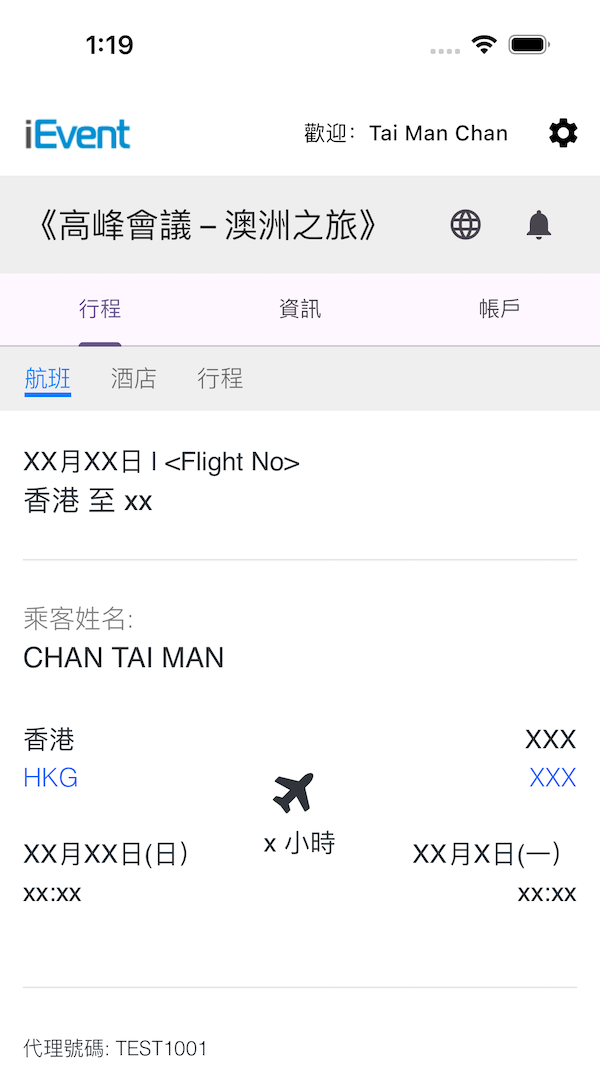
| 7. Can administrators update attendee itineraries in real time? Yes. Updates are in real time. When administrators modify data in the backend, attendees will receive the latest itinerary the next time they open the eTrip App. |
| 8. Do QR codes need to be regenerated after updating attendee information? No. QR codes are simply links and do not store attendee information. |
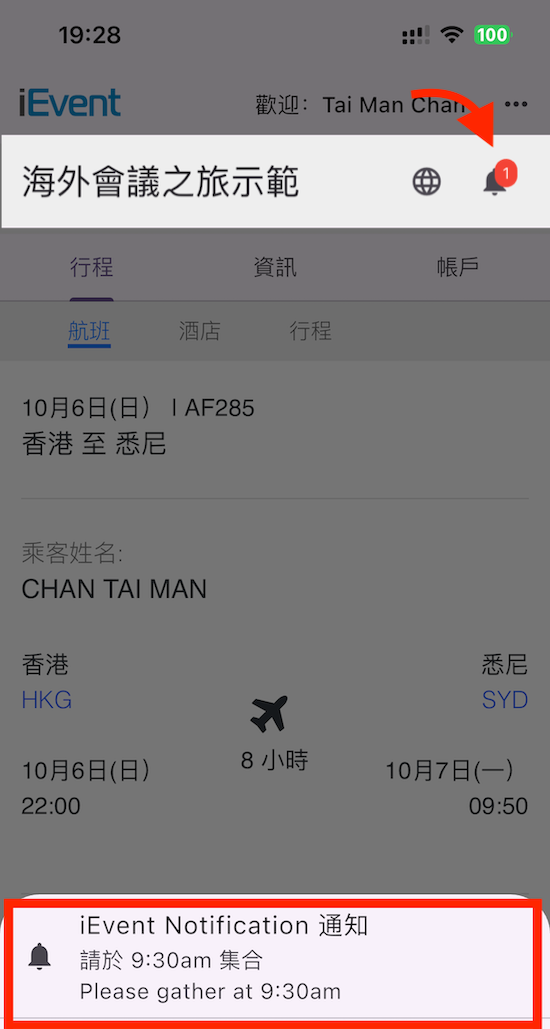
| 9. What languages does the app support? English and Traditional Chinese. |